headerimg

A cute alarm clock for your iPhone that actually works!

Sleeping with your iPhone or iPod ?

Nobody here will judge you. Now that you've admitted to this alternative lifestyle you need a tool to make your behaviour useful.

That's where CuteClock comes in to save both the day and the appearances. Just launch the application before going to sleep and it will wake up you up when you ask it to. Also if you own a dock to keep the battery alive you can let it on all night at your desired brightness.

CuteClock current has the following features:

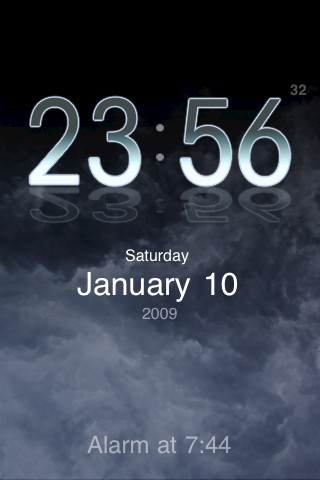
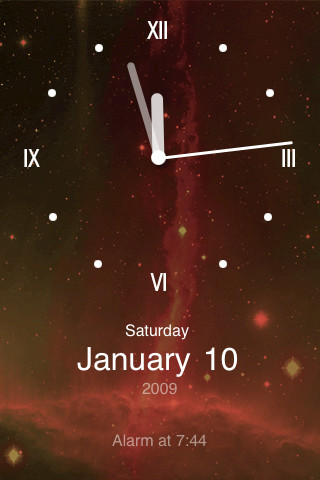
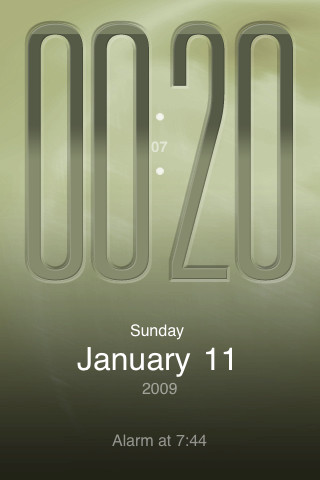
  • Several lovely themes and alarm sounds
  • All themes work in portrait and landscape modes
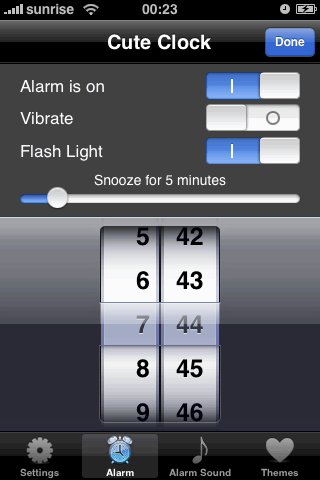
  • Optional flashing light for alarm
  • Optional vibration
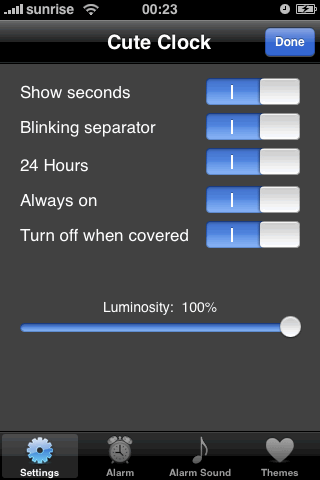
  • Brightness slider

Hint: If you have no charger then, enable 'turn off when covered', disable 'always on' and then turn your iPhone upside down (or cover the screen). This will save more battery than letting it dim.

Frequently asked questions:
  • Can this app run in the background or launch just for the alarm ?
    No the app needs to be running for the alarm to work. There's no mechanism right now in the iPhone SDK for background apps or notifications.
  • Can I select music from my iTunes library for the alarm?
    Again no, there's no (legal) way to acccess them. This will be added if and when Apple adds an approved mechanism for this.
  • The current brightness slider only makes the image darker but doesn't set the phone's display brightness. Why?
    Sorry, there's no mechanism as of firmware 2.2 to set the screen's brightness.
cute clock screenshot 1

cute clock screenshot 2

cute clock screenshot 3

More screenshots

cute clock settings 1

cute clock settings 2
cute clock lcd theme

cute clock c64
Copyright © 2008-2010 Santiago Lema. Some icons licensed (or free) from iconDrawer.com